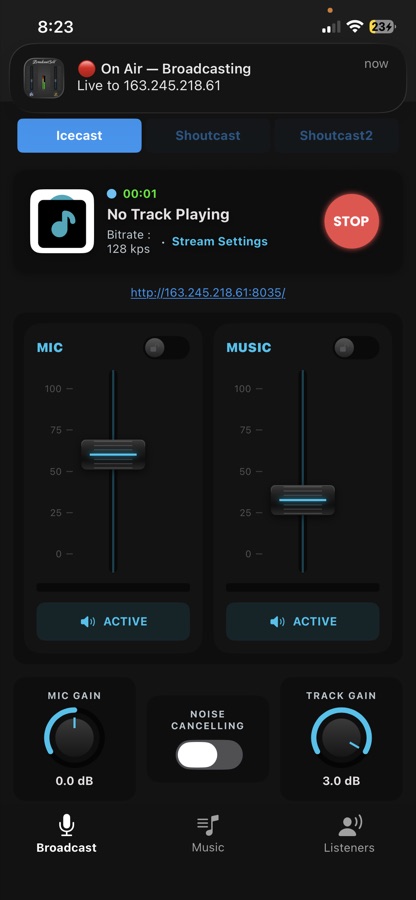
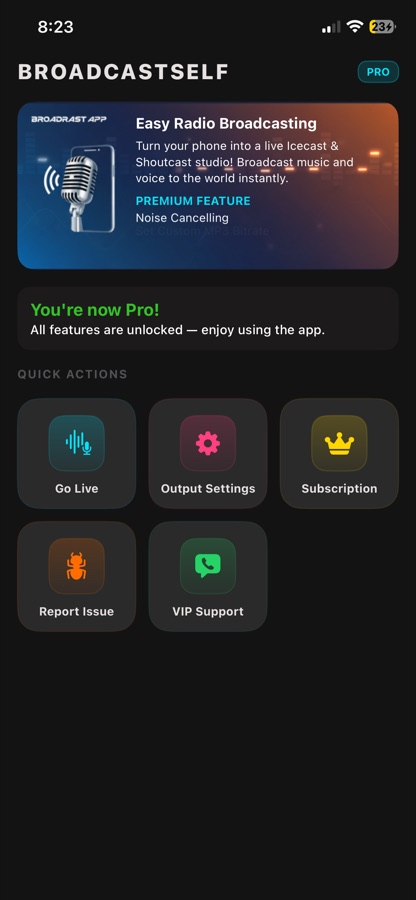
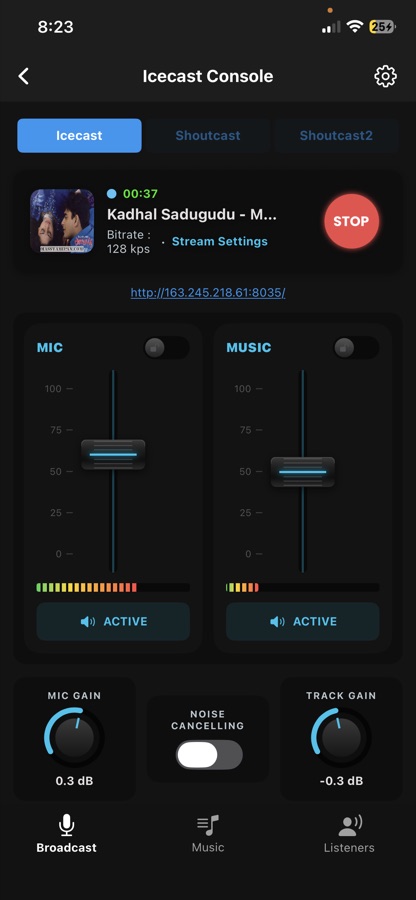
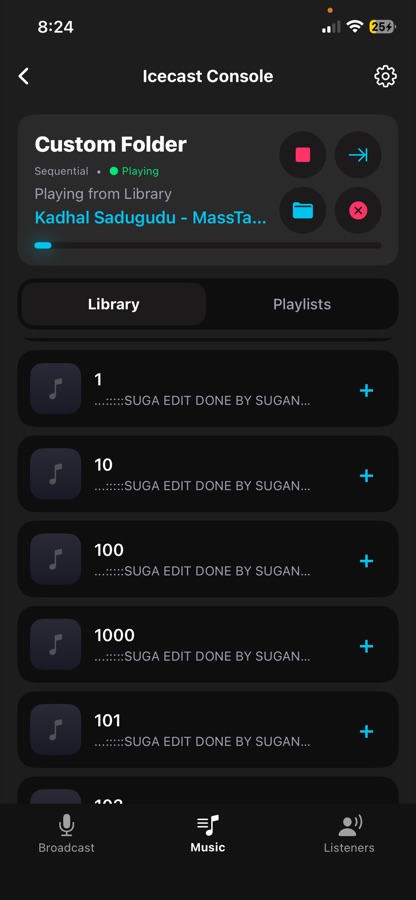
BroadcastSelf turns your iPhone or iPad into a live Icecast and Shoutcast studio. Mix your microphone with your own music and stream it to the world — no laptop, no mixer, no account, no sign-up.
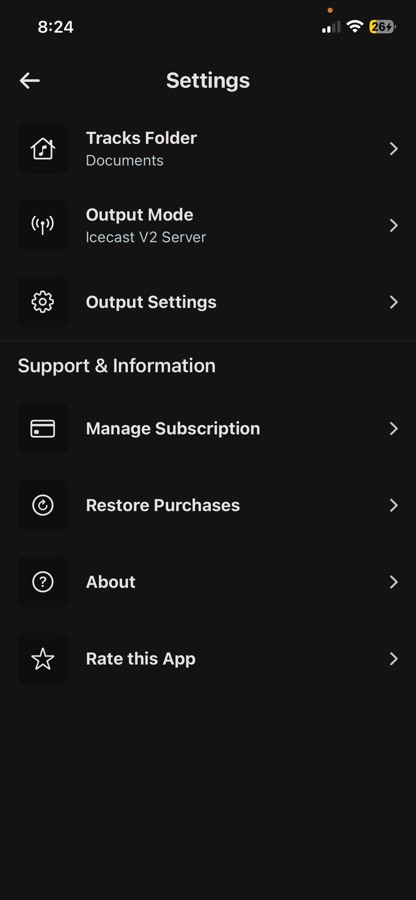
Every screen in the app, from the home grid to the mixer.
Everything between your voice and your listener's speakers runs on the device. The server is yours — BroadcastSelf just feeds it.
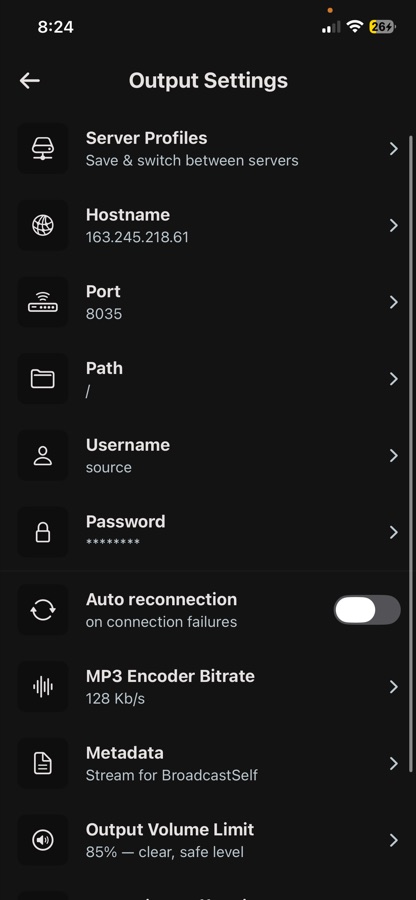
Icecast v2, Shoutcast v1 and Shoutcast v2. Enter host, port, mount and password, hit Test Connection — a real handshake with the real error message if something is wrong — and you're on air.
Independent MIC and MUSIC channels, each with a vertical fader, a live power meter, a lock switch to stop accidental nudges, and instant mute. Rotary gain knobs read out in dB.
Drop .mp3 files into the app folder from Files or Finder — no import step. Build playlists, pick Sequential, Repeat One or Shuffle, and the track title goes to your server as live metadata automatically.
Lock the screen or switch apps — the broadcast continues. A 🔴 On Air notification stays on your lock screen showing the host you're streaming to, and clears itself the moment you stop.
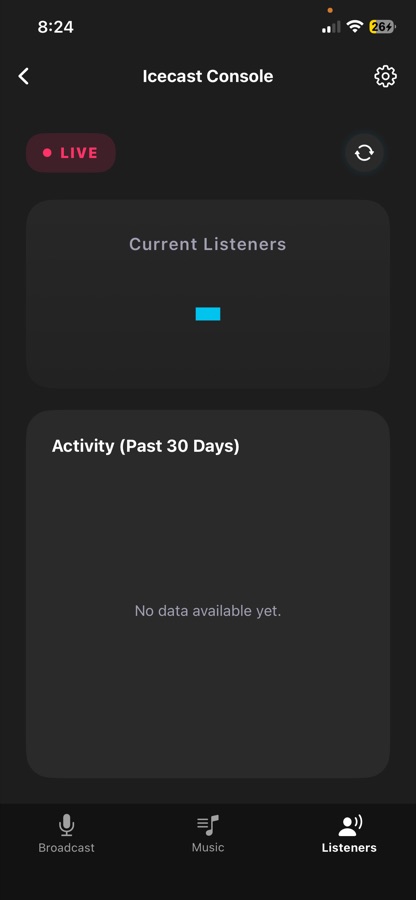
Pull the live listener count straight from your server's own admin interface, any time, and watch a 30-day activity chart build up from your own syncs so you can see how your audience moves across the month.
No email, no phone number, no password. Server credentials stay on your device and are sent only to the server you configured. The app does not host, record or moderate any audio.
Five stages, all running on your phone.
The mic is read as raw PCM in a session configured for background audio.
MP3s play from the app folder, with ID3 title, artist and album art.
Gain, faders, mute and an output volume limit combine both channels each block.
LAME encodes the mix to MP3 at 32–320 kbps, with a ×1–×8 streaming buffer.
The source handshake runs, frames stream out, and metadata updates on every track.
Want the detail? Read how it works under the hood →
You need one thing the app can't provide: an Icecast or Shoutcast server.
No account, no email, no password. The splash screen takes you straight to setup.
Type, host, port, mount and password → Test Connection. Shoutcast hides the mount and username fields — it authenticates with the password alone.
The studio opens on the Broadcast tab with the mixer ready.
The timer starts, the stop icon appears, and your stream URL shows below the card — tap it to copy it.
The Music tab streams your MP3s alongside your voice, and pushes the title to your server as now-playing metadata.
The free app broadcasts with no time limit. Pro adds range, resilience and insight.
Everything you need to run a show.
or $39.99/year · a free trial may be offered on the monthly plan.
Pro is an auto-renewable subscription sold through the App Store. Payment is charged to your Apple ID at confirmation of purchase and renews automatically unless cancelled at least 24 hours before the period ends. Manage or cancel in iOS Settings → your name → Subscriptions. Prices shown in USD; the App Store displays your local currency.
| Platform | Native SwiftUI · iPhone, iPad (dedicated layout) and Apple silicon Mac |
|---|---|
| Requires | iOS 16.0 · iPadOS 16.0 · macOS 13.0 with an M1 chip or later |
| Protocols | Icecast v2 · Shoutcast v1 · Shoutcast v2 |
| Codec | MP3 via LAME, encoded on device |
| Bitrates | 32 · 64 · 96 · 128 kbps (free) · 160 · 192 · 256 · 320 kbps (Pro) |
| Streaming buffer | ×1 · ×2 · ×4 (recommended) · ×8 |
| Output volume limit | 50 · 60 · 70 · 75 · 85 (recommended) · 100 % |
| Music formats | .mp3 with ID3 title, artist and album art |
| Metadata | Title and artist pushed to the server on every track change |
| Listener stats | Read from your server's admin interface (Pro) · 30-day local history |
| Account | None — no sign-up, login or email anywhere in the app |
| Size | 16.2 MB · version 1.0.0 · English |
No. It is the studio, not the transmitter. You need your own Icecast or Shoutcast server — self-hosted, on a VPS, or rented from any streaming host. What you need from them is the server type, host, port, mount/path, source username and source password.
No. There is no sign-up, login, email or password anywhere in the app. Open it and use it. Your server credentials are stored on the device and sent only to the server you configured.
Files app → On My iPhone → BroadcastSelf and drop the files in. From a Mac: Finder → your iPhone → Files → BroadcastSelf. They appear in the app automatically — there is no import step. Pro adds a custom folder anywhere on-device or in iCloud Drive.
No. Those services are DRM-protected and cannot be re-broadcast. Use your own .mp3 files.
Yes. The app uses background audio and shows a red On Air notification while live. It stops only when you stop it, exit the console, or the connection fails without auto reconnection.
128 kbps is the sweet spot for music; 64–96 kbps for a voice-only show or to save listener bandwidth; 192–320 kbps only if your server plan and your listeners' connections can carry it. For the buffer, use ×4 — drop to ×2 only on a fast, stable network, and go to ×8 on mobile data or a weak signal.
Listener stats need your server's admin credentials, not your source password — and they're a Pro feature. Some managed hosts also block the admin endpoint from outside their own panel, in which case no external encoder can read the count.
Yes, with Pro: save up to five server profiles and switch between them in one tap. You broadcast to one server at a time.
Yes — with a layout built for the larger screen: full-height channel strips, side-by-side settings cards and a full-width console. It also runs on Apple silicon Macs.
More answers in the iOS guide and troubleshooting section.
Free to download, free to broadcast. Bring your Icecast or Shoutcast server — BroadcastSelf is the studio.
On Android? BroadcastMySelf for Android has the DSP-heavy version.